ESII partner solution · Logistics
From the reception kiosk to the loading dock: every driver is identified, briefed on safety rules, then called to the right dock at the right time, while your teams monitor activity in real time.
ESII partner solution
From the kiosk to the dock.
Reception · Safety rules · Identification · Waiting · Dock call · Supervision
Solution presented based on ESII documentation.
Unidentified drivers, unpredictable waiting, poorly used docks: truck arrivals weigh on both productivity and site safety.
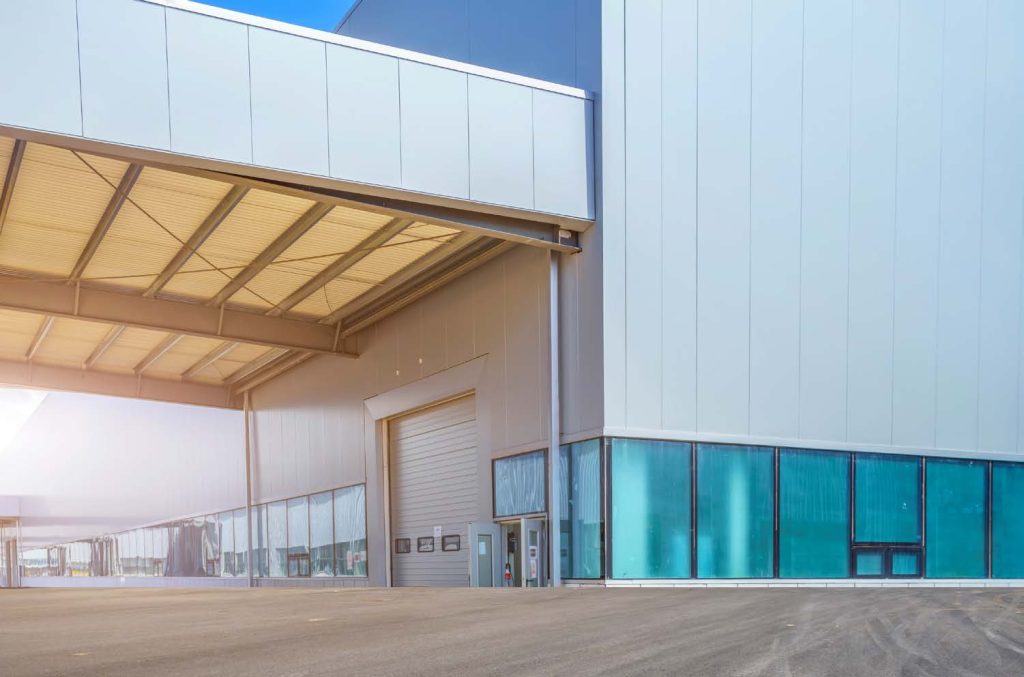
Logistics platform: façade and loading door.
Each driver checks in at the kiosk and answers the safety questions before entering the site.
Drivers wait in their truck or in the waiting room and are called as soon as their goods are ready or a dock becomes free.
Order pickers and security staff see arrivals, assign docks and guide drivers.
The numbers match those in the illustration.
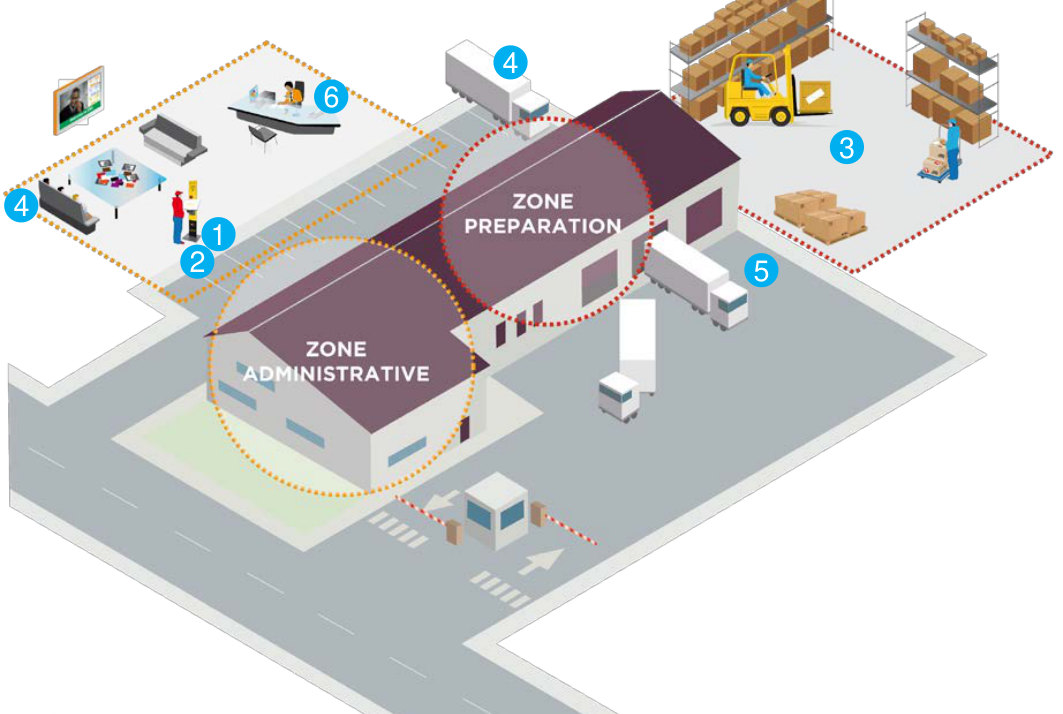
Driver journey at a logistics platform. ESII illustration.
The driver arrives in the reception area and chooses a language on the kiosk.
The driver answers safety questions about the video shown on screen, then checks in: appointment code (Orion RDV or another tool), phone number, licence plate, name or the barcode on the delivery note. They state the company they are visiting and receive a ticket or an SMS.
The information reaches the operators, who check the purpose of the delivery or start preparing the order.
The driver waits in the truck or in the offices, kept informed by the screens.
When the goods are ready or a dock is free, the operator calls the driver from eClient, on a touch screen or a PC: the call appears on screen or is sent by SMS. Docks can be pre-assigned automatically, and the barrier can be opened through an interface.
The supervisor follows operations in real time in eVision (queue, estimated waiting time, arrival times, connected docks) and analyses activity: statistics, Excel or PDF exports, automatic report delivery.
Logistics platforms, warehouses, distribution centres and industrial sites that receive carriers every day.
Truck flows, docks, access points and safety rules to build into the kiosk scenario.
Kiosk, screens, call stations and supervision; connection to your appointment tool and, if needed, to the barrier.
Onboarding for reception staff, order pickers and the site manager, then long-term support.
Another question? Our experts will answer.
How do drivers check in?
At the kiosk, depending on your organisation: appointment code (Orion RDV or another tool), phone number, licence plate, first and last name, or by scanning the barcode on their delivery note.
Do drivers have to wait in a waiting room?
No. They can wait in their truck: the dock call reaches them by SMS, or on the screens if they wait in the offices.
Can safety rules be validated?
Yes. The kiosk asks one or more questions about the safety video shown on screen, for example the speed limit on site.
Are docks assigned automatically?
Your choice: automatic pre-assignment or manual mode. Order pickers then call the driver from the eClient call station.
What data is available to manage the site?
eVision supervision shows the queue, estimated waiting times, arrival times and connected docks in real time. Statistics (waiting time per day, footfall per weekday) can be exported to Excel or PDF.
An ARA SERVICES expert studies your truck flows and presents the ESII solution suited to your site.